
Laravel Vue Production Deployment

Deploying full-stack web applications requires strict separation between local development and production environments. This comprehensive guide to Laravel Vue Production Deployment covers Vite asset compilation, production .env hardening, Artisan cache optimization, and cron task scheduler configuration for VPS and cloud servers.
Table of Contents
- The Critical Path from Local Development to Production
- 4 Sequential Phases of Laravel Vue Production Deployment
- Visualizing the Automated Deployment Funnel
- Production Optimization & Cache Hardening Protocol
- Frequently Asked Questions
- Conclusion & Next Steps
- Sources & Image Attributions
The Critical Path from Local Development to Production
Moving a full-stack Laravel and Vue.js (Inertia.js) application to a live production server involves more than uploading code files. Leaving debugging flags active, exposing unversioned assets, or misconfiguring file permissions introduces security vulnerabilities and degrades performance.
Following a disciplined Laravel Vue Production Deployment checklist ensures your web application runs with blazing speed, strict security, and zero downtime.
Pairing deployment protocols with local testing from our Local Web Server Setup and database indexing from PostgreSQL Performance Optimization guarantees seamless launches.
4 Sequential Phases of Laravel Vue Production Deployment
A reliable production deployment follows four distinct phases:
Phase 1: Local Pre-Deployment Preparation
- Compile Frontend Assets: Execute
npm run buildlocally to generate minified, hashed bundles inpublic/build. - Clean Local Caches: Run
php artisan optimize:clearto avoid packaging local environment cache files. - Lock Dependencies: Verify
composer.lockandpackage-lock.jsonare committed to version control.
Phase 2: Server-Side Configuration & Security
- Isolate Document Root: Point your web server (Nginx/Apache) strictly to the
/publicsubfolder. - Harden Production
.env: SetAPP_ENV=production,APP_DEBUG=false, and configure secure Redis and database credentials. - Directory Permissions: Grant write access on
storage/andbootstrap/cache/(chmod -R 775).
Phase 3: Database Migrations & Cache Optimization
- Execute Migrations: Run
php artisan migrate --forcewithin production safe mode. - Artisan Optimization: Execute
php artisan optimizeto cache routes, configuration files, and compiled Blade views in memory. - Symlink Public Storage: Create the asset symlink via
php artisan storage:link.
Phase 4: Background Workers & Automated Cron Scheduling
- Task Scheduling: Configure server cron to run
* * * * * cd /path-to-app && php artisan schedule:run >> /dev/null 2>&1. - Queue Supervisors: Run background queue workers under Supervisor or Laravel Horizon for asynchronous email and webhook processing.

Visualizing the Automated Deployment Funnel
How application code transitions safely into a hardened production environment:
flowchart TD
    A["Git Push to Main Branch"] --> B["Build Assets Locally / CI (npm run build)"]
    B --> C["SSH Pull to Production Server"]
    C --> D["composer install --optimize-autoloader --no-dev"]
    D --> E["php artisan migrate --force"]
    E --> F["php artisan optimize (Config / Route / View Cache)"]
    F --> G["Reload PHP-FPM & Supervisor Queue Workers"]
G --> H["Live Production Release with Zero Downtime"]Whenever you update .env variables on production, run php artisan optimize:clear before php artisan optimize. Forgetting to clear the cached configuration prevents new environment variables from taking effect.
Production Optimization & Cache Hardening Protocol
Execute these four commands on your production server after every release:
## 1. Install production PHP packages with optimized autoloader
composer install --optimize-autoloader --no-dev
## 2. Cache configuration and application routes
php artisan config:cache
php artisan route:cache
## 3. Cache Blade view templates
php artisan view:cache
## 4. Restart queue workers to pick up new code
php artisan queue:restart
Frequently Asked Questions
Why is APP_DEBUG=false critical in production?
If APP_DEBUG is set to true, any unhandled exception displays an interactive Ignition debug screen revealing database passwords, API secret keys, and server file paths to the public.
How do I handle file uploads in production?
Run php artisan storage:link to connect public/storage to storage/app/public, or configure Laravel to store media assets directly on Amazon S3 or Cloudflare R2 object storage.
What should I do if my site shows a blank white page after deployment?
Check storage/logs/laravel.log and verify that storage/ and bootstrap/cache/ permissions allow the www-data web server process to write cache files.
Conclusion & Next Steps
Executing a disciplined Laravel Vue Production Deployment ensures your web applications launch securely and perform with enterprise stability. By automating cache warming and worker management, software teams deliver seamless user experiences.
At Masri Systems, we specialize in deploying enterprise Laravel platforms, custom cloud architectures, and scalable web solutions. Explore our specialized Software Development and Website Architecture services to build resilient digital systems.
Sources & Image Attributions
- Header Image: Server computing racks by Jordan Harrison on Unsplash
- Body Image: Developer working on code review by Caspar Camille Rubin on Unsplash
Follow Masri Systems on Google
Add us as a preferred source in Google Search.
Related Articles & Guides

Free Developer Certifications: 5 High-Impact Courses & Badges
5 verifiable free developer certifications and coding courses from Postman, Google Cloud, DeepLearning.AI, and freeCodeCamp to elevate your engineering resume.

Geschäftsprozesse automatisieren: 17 Scheduled Tasks der Agentur
Wie Masri Systems 17 autonome Agenten-Jobs, Sidecars und Cron-Tasks einsetzt, um Geschäftsprozesse im Entwickler-Alltag wartungsfrei zu automatisieren.
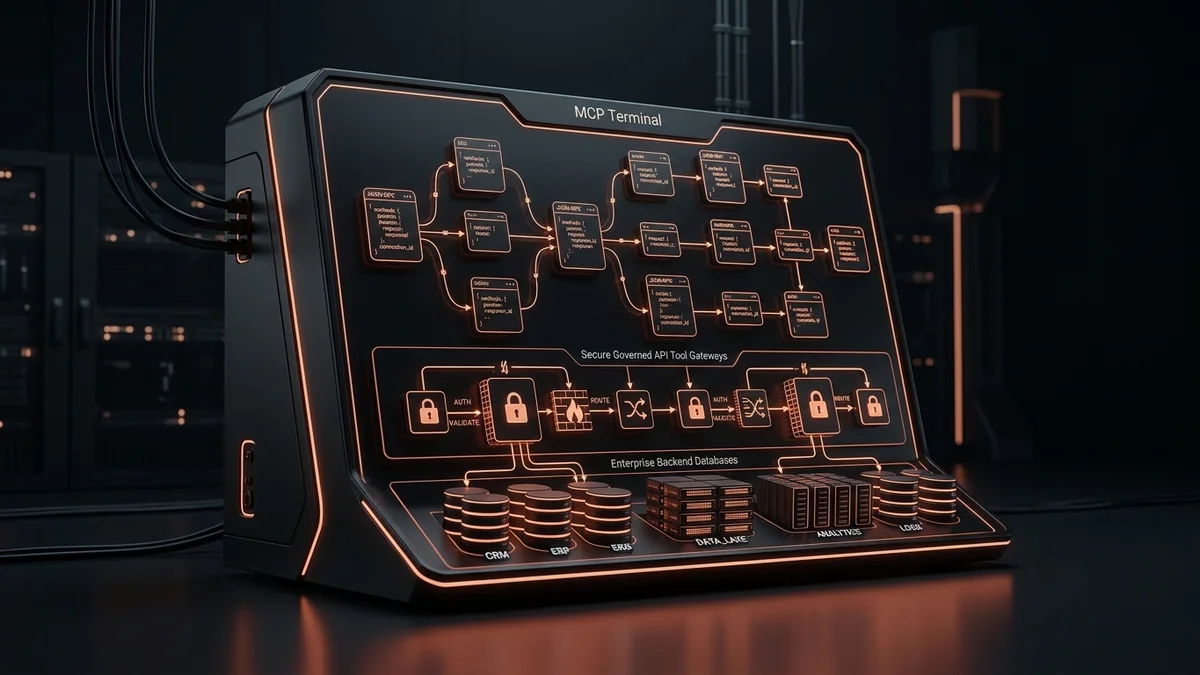
Custom MCP Server Development: Give AI Agents Real Business Access
Custom MCP Server Development connects Claude, ChatGPT, and Gemini to your actual business systems — securely, without duct-taped API hacks.

Openship: A Self-Hosted Deployment Platform With No CI/CD Pipeline
Openship is an Apache 2.0 self-hosted deployment platform that skips CI/CD YAML. What v0.6.7 does well, and why pre-1.0 status should shape your rollout.

Why PHP 8.4 & Laravel Are the Smartest Choice for Web Apps
Explore modern PHP web development. Discover why PHP 8.4 performance, strict typing, JIT compilation, and Laravel make PHP the top choice for software teams.
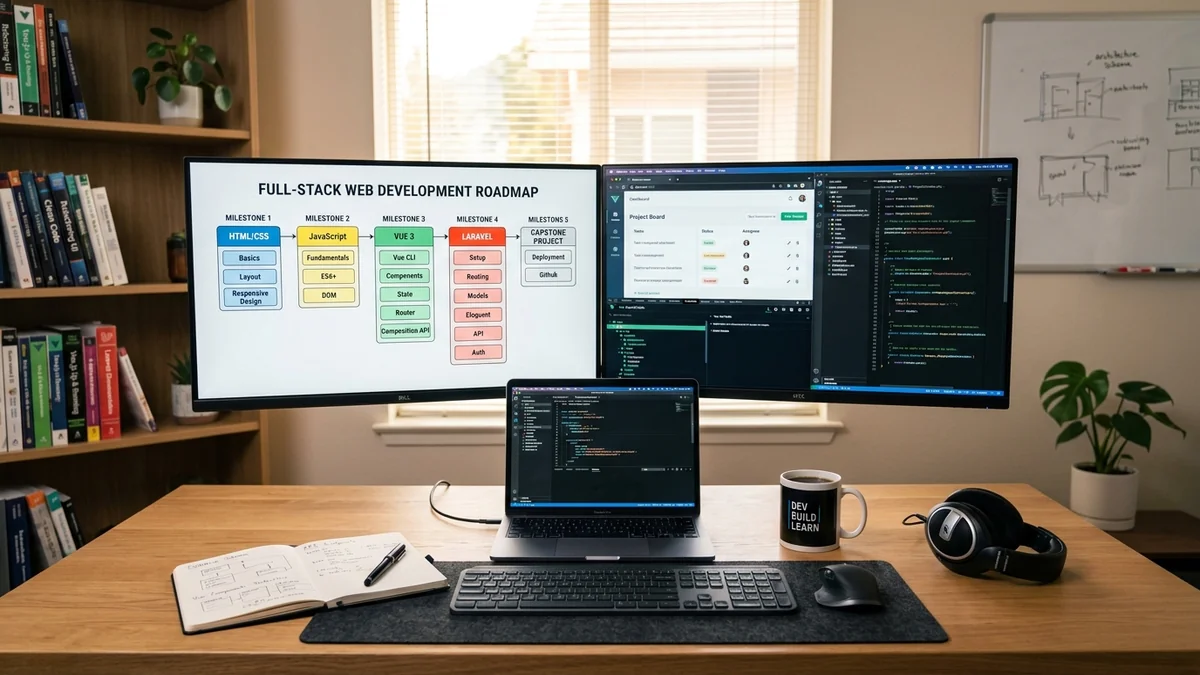
Web Development Curriculum: Full
Master full-stack web development. Comprehensive curriculum covering HTML/CSS/Tailwind, ES6+ JavaScript, Vue 3 & Vite, Laravel APIs, and CI/CD deployment.

Web Application Performance Optimization
Boost backend and frontend speed with actionable web application performance optimization tactics. Eliminate N+1 queries, memory leaks, and CPU cache misses.

Vue JS Application Architecture
Master Vue JS application architecture. Comprehensive scaffolding guide covering TypeScript interfaces, modular directory structure, Pinia, and VueUse.