
Hosting Full-Stack Laravel & Vue on Nginx with PHP 8.4

Testing full-stack web applications on local development machines requires mirror-accurate production environments. Establishing a professional Local Web Server Setup configures Nginx virtual server blocks, connects PHP 8.4 FastCGI sockets, maps local .local domains in hosts files, and sets secure directory permissions.
Table of Contents
- Why Local Nginx Mirroring Matters
- 4 Core Steps to a Flawless Local Web Server Setup
- Visualizing the Local Request-Response Lifecycle
- Production-Grade Nginx Server Block Configuration
- Frequently Asked Questions
- Conclusion & Next Steps
- Sources & Image Attributions
Why Local Nginx Mirroring Matters
While built-in development servers like php artisan serve or npm run dev are convenient for quick coding sessions, they fail to replicate real-world server environments. Issues such as CORS mismatches, file upload size limits, FastCGI timeouts, and Nginx URL rewrites only appear when running a dedicated web server.
Configuring a true Local Web Server Setup with Nginx and PHP-FPM bridges this parity gap. Developers catch server-level configuration bugs locally before deploying code to staging or production.
Pairing this local server setup with backend best practices from Clean Architecture and our production guide on Laravel Vue Production Deployment ensures smooth deployments.
4 Core Steps to a Flawless Local Web Server Setup
Setting up a local development server for a full-stack Laravel/Vue application involves four systematic phases:
1. Compiling Frontend Vite Assets
Run npm run build from the project root to generate versioned JS/CSS bundles inside the Laravel public/build directory.
2. Crafting the Nginx Server Block
Create a dedicated site configuration in /etc/nginx/sites-available/ with try_files URL rewriting and FastCGI proxying to PHP 8.4.
3. Mapping Local Domain Resolution
Add your development domain (e.g., myproject.local) to your operating system's hosts file pointing to loopback IP 127.0.0.1.
4. Enforcing Storage & Cache Permissions
Grant read/write permissions to the www-data group for storage/ and bootstrap/cache/ directories (chmod -R 775).

Visualizing the Local Request-Response Lifecycle
How Nginx intelligently routes static frontend assets versus dynamic PHP scripts:
flowchart TD
    A["Browser Request: http://myproject.local/"] --> B["Local Hosts File (127.0.0.1)"]
    B --> C["Nginx Web Server (Port 80)"]
    C --> D{"Nginx try_files $uri $uri/ /index.php"}
    D -->|Static Asset (.js / .css / .png)| E["Serve directly from /public"]
    D -->|Dynamic Web / API Route| F["Pass to PHP 8.4 FastCGI Socket"]
    F --> G["Laravel Routing & Inertia / Vue Controller"]
G --> CAlways point Nginx's root directive to /public, never the project root. Pointing the web server root to the project base exposes .env secret files and Composer lockfiles to public HTTP requests.
Production-Grade Nginx Server Block Configuration
Here is the standardized configuration for local Laravel & Vue hosting:
server {
    listen 80;
    server_name myproject.local;
    root /var/www/myproject/public;

    add_header X-Frame-Options "SAMEORIGIN";
    add_header X-Content-Type-Options "nosniff";

    index index.php;
    charset utf-8;

    location / {
        try_files $uri $uri/ /index.php?$query_string;
    }

    location = /favicon.ico { access_log off; log_not_found off; }
    location = /robots.txt  { access_log off; log_not_found off; }

    error_page 404 /index.php;

    location ~ \.php$ {
        fastcgi_pass unix:/var/run/php/php8.4-fpm.sock;
        fastcgi_param SCRIPT_FILENAME $realpath_root$fastcgi_script_name;
        include fastcgi_params;
    }

    location ~ /\.(?!well-known).* {
        deny all;
    }
}
Frequently Asked Questions
Why does Nginx return a 403 Forbidden error on my local site?
A 403 error is typically caused by incorrect directory permissions. Ensure that the web server user (www-data) has read permissions on all parent folders up to your project root.
How do I enable HTTPS for local .local domains?
Use tools like mkcert to generate locally-trusted SSL certificates and add ssl_certificate directives to your Nginx configuration.
What is the advantage of FastCGI UNIX sockets over TCP ports?
UNIX domain sockets bypass network protocol overhead, delivering approximately 15% lower request latency compared to TCP loopback connections (127.0.0.1:9000).
Conclusion & Next Steps
Establishing a robust Local Web Server Setup gives development teams full confidence that application logic, asset compilation, and server rewrites will behave identically in production.
At Masri Systems, we architect high-performance digital platforms, custom web applications, and enterprise infrastructure. Explore our specialized Software Development and Website Architecture solutions to discover how we build scalable digital systems for modern enterprises.
Sources & Image Attributions
- Header Image: Server computing racks by Jordan Harrison on Unsplash
- Body Image: Developer working on terminal by Caspar Camille Rubin on Unsplash
Follow Masri Systems on Google
Add us as a preferred source in Google Search.
Related Articles & Guides

Free Developer Certifications: 5 High-Impact Courses & Badges
5 verifiable free developer certifications and coding courses from Postman, Google Cloud, DeepLearning.AI, and freeCodeCamp to elevate your engineering resume.

Geschäftsprozesse automatisieren: 17 Scheduled Tasks der Agentur
Wie Masri Systems 17 autonome Agenten-Jobs, Sidecars und Cron-Tasks einsetzt, um Geschäftsprozesse im Entwickler-Alltag wartungsfrei zu automatisieren.

Custom MCP Server Development: Give AI Agents Real Business Access
Custom MCP Server Development connects Claude, ChatGPT, and Gemini to your actual business systems — securely, without duct-taped API hacks.

Openship: A Self-Hosted Deployment Platform With No CI/CD Pipeline
Openship is an Apache 2.0 self-hosted deployment platform that skips CI/CD YAML. What v0.6.7 does well, and why pre-1.0 status should shape your rollout.

Why PHP 8.4 & Laravel Are the Smartest Choice for Web Apps
Explore modern PHP web development. Discover why PHP 8.4 performance, strict typing, JIT compilation, and Laravel make PHP the top choice for software teams.
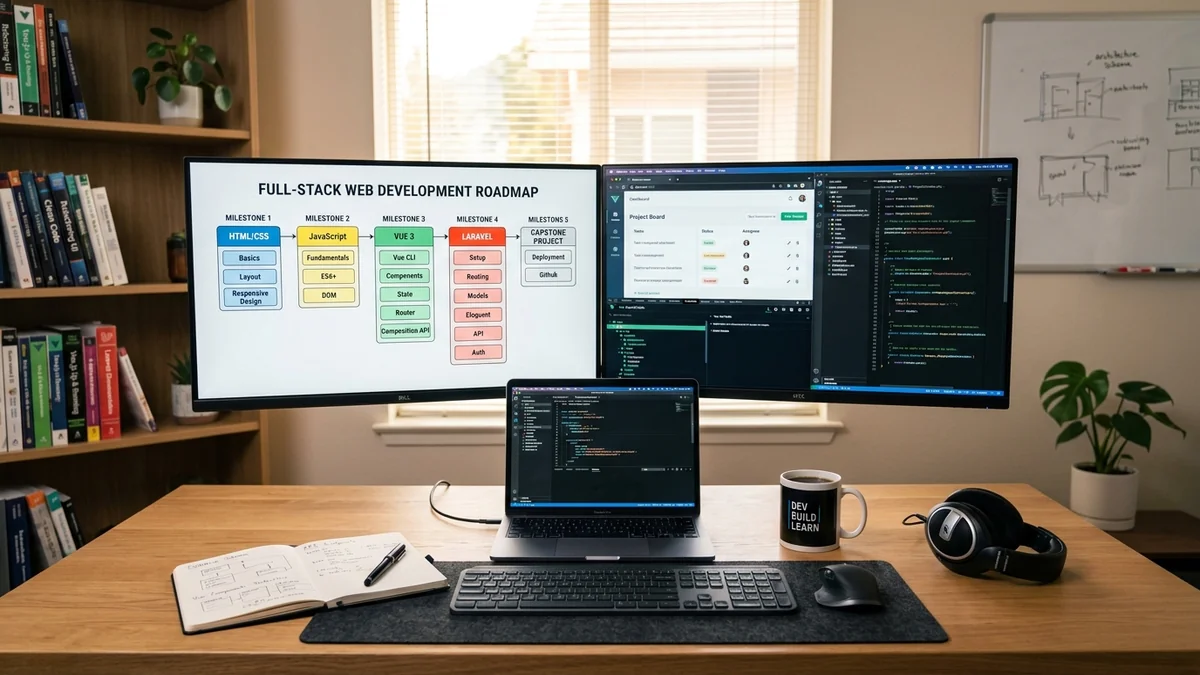
Web Development Curriculum: Full
Master full-stack web development. Comprehensive curriculum covering HTML/CSS/Tailwind, ES6+ JavaScript, Vue 3 & Vite, Laravel APIs, and CI/CD deployment.

Web Application Performance Optimization
Boost backend and frontend speed with actionable web application performance optimization tactics. Eliminate N+1 queries, memory leaks, and CPU cache misses.
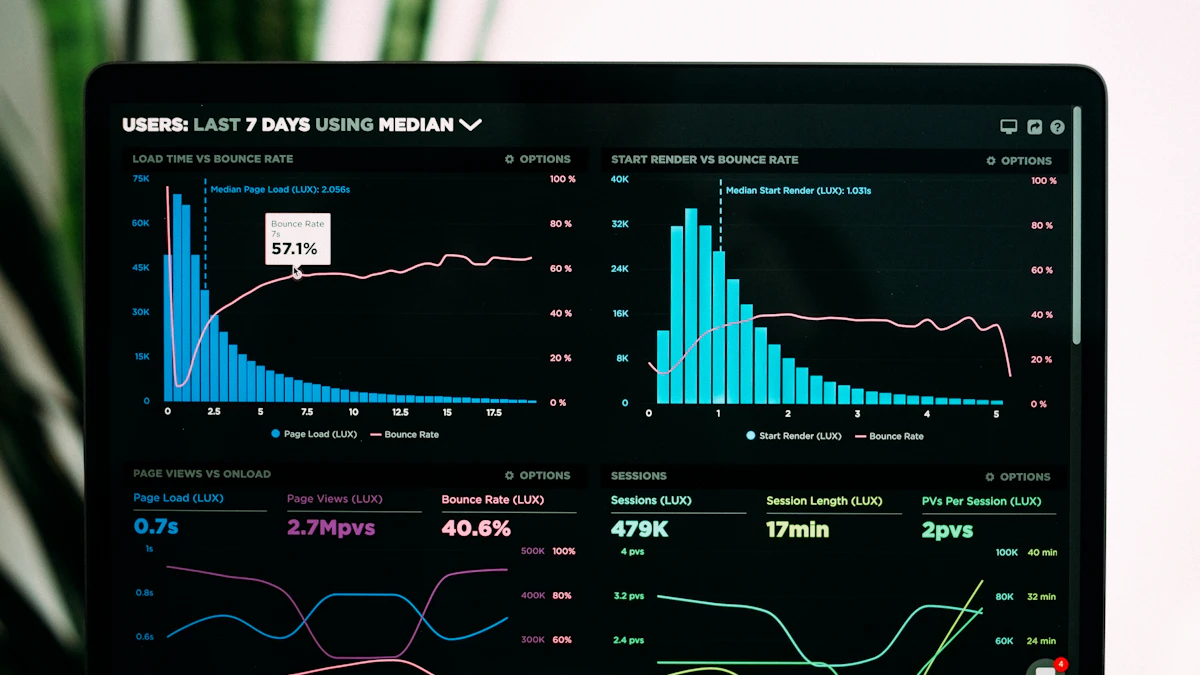
VILT Stack Webentwicklung Agentur
VILT Stack Webentwicklung Agentur für skalierbare Web-Apps & SaaS. Erfahren Sie, warum die Kombination aus Vue.js, Inertia.js, Laravel und Tailwind CSS.