
Linux Bash Commands for DevOps
Navigating remote production servers and debugging container failures requires commanding the Linux shell. Mastering Linux Bash Commands for DevOps spans directory navigation (cd, ls -la), file streams & pipes (cat, less, |, >), pattern filtering (grep -r, find), and permissions management (chmod 755, sudo).
Table of Contents
- The Command Line as the Foundation of DevOps
- 4 Core Pillars of Linux Bash Commands for DevOps
- Visualizing the Linux Pipe & Redirection Stream
- Reference Matrix: 25+ Essential DevOps Commands
- Frequently Asked Questions
- Conclusion & Next Steps
- Sources & Image Attributions
The Command Line as the Foundation of DevOps
Whether configuring CI/CD runners, managing Kubernetes nodes, or troubleshooting live Docker containers, Linux is the backbone of modern cloud infrastructure. Graphical user interfaces do not exist on cloud servers—everything from log analysis to package deployment happens over SSH in a Bash shell.
Mastering Linux Bash Commands for DevOps enables software engineers to inspect resource bottlenecks, automate shell scripts, and manage file permissions with confidence.
Pairing core Linux commands with server monitoring utilities from Linux Server Monitoring CLI and shell customizations from Linux Terminal Configuration transforms your CLI productivity.
4 Core Pillars of Linux Bash Commands for DevOps
A proficient DevOps engineer relies on four foundational command groups:
1. Navigation & Directory Operations
pwd, cd, ls -la, mkdir -p, and rm -rf for traversing filesystems and creating nested project hierarchies safely.
2. Stream Inspection & File Manipulation
cat, less, head -n, tail -f, and touch for inspecting log files and updating timestamps without loading entire files into memory.
3. Deep Text Filtering & Regex Searching
grep -iE, find . -type f, and awk for locating specific error patterns and config files across multi-gigabyte server directories.
4. Process Control & User Permissions
chmod 755, chown, df -h, du -sh, and sudo for managing file ownership, disk space, and root security privileges.

Visualizing the Linux Pipe & Redirection Stream
How Linux connects standard output (stdout) to standard input (stdin):
flowchart LR
    A["Raw Server Log Stream (dmesg / systemd)"] --> B["Pipe Operator (|)"]
    B --> C["Filter Pattern: grep 'ERROR'"]
    C --> D["Redirect Operator (>)"]
D --> E["Persisted File: errors.txt"]Use tail -f /var/log/nginx/error.log to watch server logs in real time. Appending -f keeps the file stream open, printing incoming errors to the console the exact millisecond they occur.
Reference Matrix: 25+ Essential DevOps Commands
| Command | Function | DevOps Use Case |
|---|---|---|
ls -la |
List all files with permissions | Inspect .env and hidden directories |
cd ~ |
Navigate to home folder | Quick user directory jumping |
mkdir -p |
Create nested directory tree | Scaffolding CI/CD workspace paths |
tail -f -n 50 |
Follow last 50 lines in real time | Monitoring live application logs |
grep -r "pattern" |
Recursive string search | Searching configs across microservices |
find . -name "*.log" |
Search files by name pattern | Locating rotated log archives |
chmod 755 script.sh |
Grant executable permissions | Preparing deployment shell scripts |
df -h |
Human-readable disk free space | Checking for disk saturation alerts |
du -sh * |
Directory disk usage summary | Identifying space-hogging Docker images |
Frequently Asked Questions
What is the safest way to delete large directories in Linux?
Always double-check pwd before running rm -rf. In automated scripts, use explicit absolute paths and avoid unquoted wildcards (rm -rf "$TARGET_DIR/*").
How do I search command history in Bash?
Press Ctrl + R and begin typing the command name to initiate a reverse interactive search through your ~/.bash_history.
What is the difference between > and >> in Bash?
The single chevron > overwrites the destination file, whereas the double chevron >> appends new output to the end of the file without deleting existing content.
Conclusion & Next Steps
Commanding these Linux Bash Commands for DevOps is essential for maintaining cloud infrastructure, orchestrating Docker containers, and managing production servers.
At Masri Systems, we architect high-performance digital platforms, developer workflow systems, and scalable software applications. Explore our specialized Software Development and Website Architecture services to build scalable digital systems for modern enterprises.
Sources & Image Attributions
- Header Image: Server computing racks by Jordan Harrison on Unsplash
- Body Image: Developer working on code review by Caspar Camille Rubin on Unsplash
Follow Masri Systems on Google
Add us as a preferred source in Google Search.
Related Articles & Guides
AI Agent Workflow Automation: Curated 123-Tool Stack
Curated directory of 123 open-source AI agent frameworks, MCP servers, and developer tools for production AI agent workflow automation and autonomous systems.

Geschäftsprozesse automatisieren: 17 Scheduled Tasks der Agentur
Wie Masri Systems 17 autonome Agenten-Jobs, Sidecars und Cron-Tasks einsetzt, um Geschäftsprozesse im Entwickler-Alltag wartungsfrei zu automatisieren.
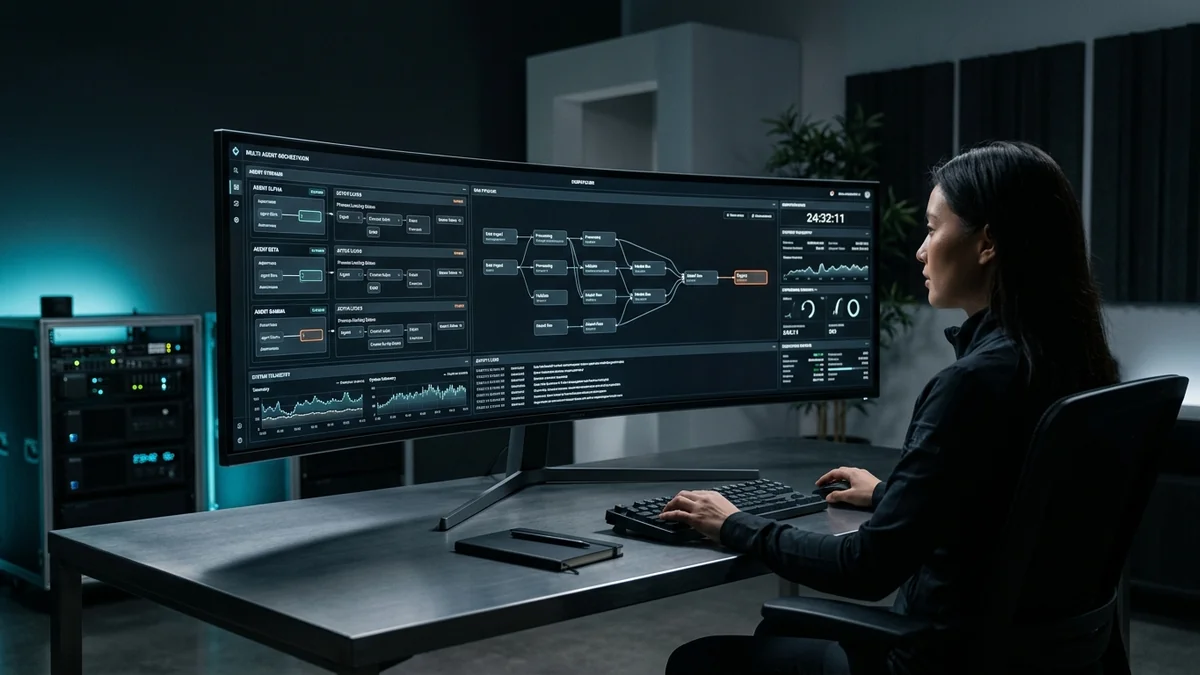
Command Center: Autonome KI Agenten Geschäftsprozesse KMU steuern
Autonome KI Agenten Geschäftsprozesse KMU: Steuern Sie Gemini, Codex und Claude parallel in einem sicheren VILT Stack Command Center mit OS-Locking.

Sectors of Computer Science & Software Engineering
Explore the primary disciplines of computer science, tech career paths, software engineering specialization tracks, and modern developer tooling.

Portable AI Agent Skills: One Skill, Every Model
Stop rewriting the same AI agent workflow for Claude, Gemini, and Codex. Build portable skills once with AI Agent Workflow Automation and sync everywhere.

Openship: A Self-Hosted Deployment Platform With No CI/CD Pipeline
Openship is an Apache 2.0 self-hosted deployment platform that skips CI/CD YAML. What v0.6.7 does well, and why pre-1.0 status should shape your rollout.

Software Engineer Career Roadmap
Explore the complete software engineer career roadmap. Master junior to senior transitions, high-demand tech specializations, and modern AI development.
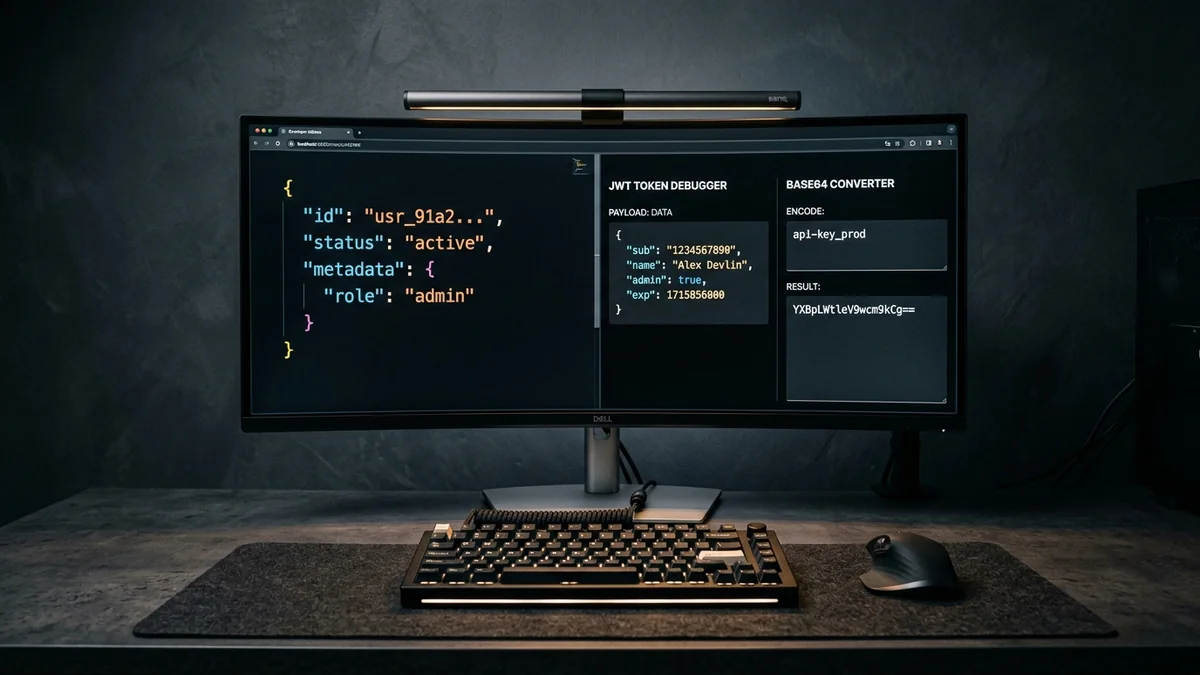
Web Development Utilities: 10 Essential Free Browser Tools
Master essential web development utilities. Discover 10 free online tools for JSON formatting, JWT decoding, HAR network analysis, Base64, and CSV/YAML.