
Free Developer Tools Online: 11 Essential Web Utilities for
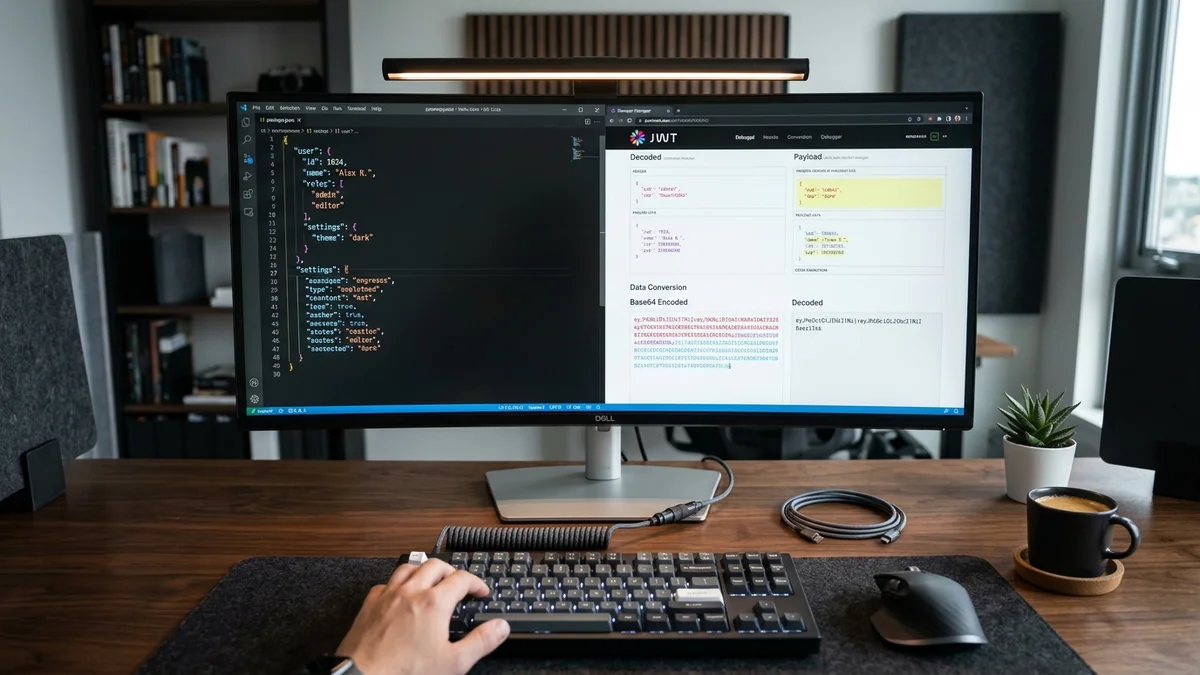
High engineering velocity relies on having the right utility tools within arm's reach. This curated guide to Free Developer Tools Online highlights 11 indispensable browser apps covering copy-paste UI components (UiVerse), all-in-one API documentation (DevDocs), browser photo editing (Photopea), and instant syntax cheatsheets (QuickRef).
Table of Contents
- The Modern Browser as a Developer Powerhouse
- 4 Core Categories of Free Developer Tools Online
- Visualizing the Rapid Web Prototyping Flow
- Curated Directory of 11 Indispensable Web Utilities
- Frequently Asked Questions
- Conclusion & Next Steps
- Sources & Image Attributions
The Modern Browser as a Developer Powerhouse
Web developers frequently need quick micro-tools: formatting a JSON payload, generating a smooth SVG wave section divider, testing a regex pattern, or looking up an obscure CSS syntax property. Installing heavy desktop applications for these quick tasks interrupts focus.
Leveraging Free Developer Tools Online provides instant, browser-based solutions that streamline frontend development and design prototyping.
Pairing these online utilities with component design strategies from 11 Modern UI Design Trends and backend roadmaps from Laravel Developer Roadmap 2026 accelerates project delivery.
4 Core Categories of Free Developer Tools Online
The top browser-based developer utilities fall into four main categories:
1. UI Components & Design Asset Generators
Libraries and generators (UiVerse, Undraw, PatternPad, Shape Divider) that offer copy-paste Tailwind/CSS components and custom SVG illustrations.
2. Consolidated API Documentation & Syntax References
Searchable documentation hubs (DevDocs, QuickRef, DevHints) that index language APIs and command-line cheatsheets for offline browsing.
3. In-Browser Image & Graphic Editors
Full-featured browser editing suites (Photopea) that open PSD, Figma, Sketch, and XD files without requiring desktop software licenses.
4. Frontend Optimization & Conversion Utilities
Tool collections (Omatsuri, HTMLRev) providing Base64 converters, CSS gradient builders, and responsive starter templates.

Visualizing the Rapid Web Prototyping Flow
How browser-based tools accelerate project scaffolding:
flowchart LR
    A["Project Concept & Wireframe"] --> B["UI Components & SVGs (UiVerse / Undraw / Shape Divider)"]
    B --> C["Asset Optimization (Photopea / Omatsuri)"]
    C --> D["Syntax & API Reference (DevDocs / QuickRef)"]
D --> E["Rapid Production Deployment"]Install DevDocs as a Progressive Web App (PWA). DevDocs allows you to download entire documentation sets (Vue, React, Tailwind, PHP, Docker) locally, enabling sub-second offline search directly from your browser.
Curated Directory of 11 Indispensable Web Utilities
🎨 UI & Design Assets
- UiVerse: Over 3,000 community-made CSS and Tailwind UI components (buttons, loaders, cards) ready to copy-paste.
- Undraw: Open-source SVG illustrations with customizable brand hex colors.
- Shape Divider: Visual generator for creating smooth curved and angled SVG section dividers.
- PatternPad: Seamless geometric pattern generator exportable as vector SVGs.
📚 Documentation & Cheat Sheets
- DevDocs: Fast, clean, unified API documentation browser with full offline caching.
- QuickRef: Visual cheat sheets for dozens of programming languages and frameworks.
- DevHints: Concise reference cheatsheets for Git, Docker, Bash, and Kubernetes.
🛠️ Utilities & Graphics
- Photopea: Free advanced web-based Photoshop alternative supporting PSD, AI, and Sketch files.
- Omatsuri: Progressive Web App with 12 open-source frontend tools (SVG compressors, gradient generators).
- HTMLRev: Curated showcase of clean, responsive HTML landing page templates.
Frequently Asked Questions
Are these web utilities safe for client and production data?
Most client-side web utilities (like DevDocs, Omatsuri, and QuickRef) process data entirely in your local browser runtime without sending source code to external servers.
Can DevDocs be integrated into VS Code?
Yes. Extensions like "DevDocs" allow you to query DevDocs documentation directly inside VS Code using Ctrl + Shift + P.
What makes UiVerse different from Tailwind UI?
UiVerse is a 100% open-source, community-driven repository under the MIT license, allowing commercial use without subscription fees.
Conclusion & Next Steps
Integrating these Free Developer Tools Online into your daily browser bookmarks eliminates repetitive development friction, helping you build polished digital products faster.
At Masri Systems, we engineer high-performance web applications, bespoke design systems, and scalable digital solutions. Explore our specialized Website Design and Software Development services to elevate your brand's digital presence.
Sources & Image Attributions
- Header Image: Developer working at desk by Domenico Loia on Unsplash
- Body Image: Developer working on code review by Caspar Camille Rubin on Unsplash
Follow Masri Systems on Google
Add us as a preferred source in Google Search.
Related Articles & Guides
AI Agent Workflow Automation: Curated 123-Tool Stack
Curated directory of 123 open-source AI agent frameworks, MCP servers, and developer tools for production AI agent workflow automation and autonomous systems.

Free Developer Certifications: 5 High-Impact Courses & Badges
5 verifiable free developer certifications and coding courses from Postman, Google Cloud, DeepLearning.AI, and freeCodeCamp to elevate your engineering resume.

Geschäftsprozesse automatisieren: 17 Scheduled Tasks der Agentur
Wie Masri Systems 17 autonome Agenten-Jobs, Sidecars und Cron-Tasks einsetzt, um Geschäftsprozesse im Entwickler-Alltag wartungsfrei zu automatisieren.

Command Center: Autonome KI Agenten Geschäftsprozesse KMU steuern
Autonome KI Agenten Geschäftsprozesse KMU: Steuern Sie Gemini, Codex und Claude parallel in einem sicheren VILT Stack Command Center mit OS-Locking.

Sectors of Computer Science & Software Engineering
Explore the primary disciplines of computer science, tech career paths, software engineering specialization tracks, and modern developer tooling.
The New Masri Systems Logo: Brand Identity for Custom Website Design
Explore the engineering and design philosophy behind the new Masri Systems logo mark, custom website design systems, and architectural identity.

Portable AI Agent Skills: One Skill, Every Model
Stop rewriting the same AI agent workflow for Claude, Gemini, and Codex. Build portable skills once with AI Agent Workflow Automation and sync everywhere.

Openship: A Self-Hosted Deployment Platform With No CI/CD Pipeline
Openship is an Apache 2.0 self-hosted deployment platform that skips CI/CD YAML. What v0.6.7 does well, and why pre-1.0 status should shape your rollout.