
Lessons from the Hardest Nondeterministic JavaScript Bugs

Nondeterministic browser crashes and compiler regressions are the most challenging issues in software engineering. Mastering Frontend Debugging Strategies requires systematic binary search boundary testing, scripted automated reproduction loops, cache state inspection, and understanding V8 JavaScript engine optimization pipelines.
Table of Contents
- The Reality of Mystery Bugs in Complex Client Applications
- 4 Core Pillars of Professional Frontend Debugging Strategies
- Visualizing the Systematic Debugging Loop
- Case Study: When
Math.abs()Returned Negative Numbers in V8 - Frequently Asked Questions
- Conclusion & Next Steps
- Sources & Image Attributions
The Reality of Mystery Bugs in Complex Client Applications
In modern web applications featuring sophisticated layout engines, WebAssembly pipelines, or rich text editors, bugs rarely manifest as simple syntax errors. Instead, issues often appear as intermittent, nondeterministic state corruption that occurs only after hundreds of subtle user interactions.
Applying rigorous Frontend Debugging Strategies transforms chaotic troubleshooting into a predictable investigative method. Rather than making random code changes, senior engineers methodically isolate fault boundaries, construct automated reproduction scripts, and inspect memory accumulation.
Pairing debugging rigor with architectural foundations like Clean Architecture and unit test contracts from AI Code Review Best Practices prevents subtle edge-case regressions.
4 Core Pillars of Professional Frontend Debugging Strategies
When tackling complex, nondeterministic frontend issues:
1. Build a Deterministic Reproduction Harness
If a bug only happens "sometimes" during manual testing, automate the interaction. Write a script to execute the sequence 100 times in an automated loop to establish a measurable failure probability.
2. Binary Search Fault Boundaries
Systematically eliminate half of the system at each step: Is the bug on the server or the client? In the network layer or the view state? In layout rendering or the data model?
3. Trace Upstream from the Crash Site
The line of code that throws a fatal exception is almost always downstream of the original logic error. Step backwards through accumulated state and cache entries to locate the initial bad mutation.
4. Question Underlying Platform Assumptions
When mathematical invariants fail (e.g., a function returning impossible outputs), investigate browser engine optimizations, JIT de-optimizations, and polyfill overrides.

Visualizing the Systematic Debugging Loop
A structured method for isolating elusive software bugs:
flowchart TD
    A["Nondeterministic Bug Reported in Production"] --> B["Script Automated Repro Loop (e.g. 100 iterations)"]
    B --> C{"Bug Reproduces Consistently?"}
    C -->|No| B
    C -->|Yes (e.g. at cycle 20)| D["Binary Search Isolation (Client vs Server / View vs Model)"]
    D --> E["Trace Upstream from Exception to First Bad State Mutation"]
    E --> F["Inspect Engine Level Invariants (V8 / JIT / Polyfills)"]
F --> G["Implement Targeted Workaround & Add Automated Regression Test"]Never assume a built-in standard library function is immune to engine bugs. In complex hot-path loops, JavaScript engine compilers (like V8 or SpiderMonkey) perform aggressive JIT optimizations that can occasionally introduce obscure opcode regressions.
Case Study: When Math.abs() Returned Negative Numbers in V8
In an infamous Google Docs production incident, developers spent two days investigating a fatal view crash that occurred nondeterministically only in Chrome on large documents.
By building an automated 100-cycle bold/unbold script and stepping backward through layout caches, engineers discovered that Math.abs() was actually returning negative values. A recent V8 engine optimization pass had accidentally converted Math.abs() into an identity function on super-optimized hot paths. The team added an inline browser-version check and automated regression coverage, resolving the mystery.
Frequently Asked Questions
What should I do when a bug cannot be reproduced locally?
Check production browser versions, operating systems, and screen resolutions. Capture user session replays or telemetry logs to mirror the exact input sequence that triggered the state corruption.
How do I debug memory leaks in Single-Page Applications (SPAs)?
Use the Chrome DevTools Memory tab to take Heap Snapshots before and after interacting with components, filtering for detached DOM nodes and uncleared event listeners.
Why is debugging unminified development code preferable?
Development builds preserve readable variable names, detailed error messages, and exact source map mappings, making it much easier to trace state mutations through breakpoints.
Conclusion & Next Steps
Adopting disciplined Frontend Debugging Strategies equips developers to solve even the most elusive software anomalies. By approaching bugs methodically, engineering teams protect application stability and user trust.
At Masri Systems, we architect high-reliability web applications, audit complex digital systems, and build scalable software platforms. Explore our specialized Software Development and Website Architecture services to build resilient digital systems for modern enterprises.
Sources & Image Attributions
- Header Image: Developer working on code review by Caspar Camille Rubin on Unsplash
- Body Image: Software team collaborating by Annie Spratt on Unsplash
Follow Masri Systems on Google
Add us as a preferred source in Google Search.
Related Articles & Guides

Free Developer Certifications: 5 High-Impact Courses & Badges
5 verifiable free developer certifications and coding courses from Postman, Google Cloud, DeepLearning.AI, and freeCodeCamp to elevate your engineering resume.

Sectors of Computer Science & Software Engineering
Explore the primary disciplines of computer science, tech career paths, software engineering specialization tracks, and modern developer tooling.

The New Masri Systems Logo: Brand Identity for Custom Website Design
Explore the engineering and design philosophy behind the new Masri Systems logo mark, custom website design systems, and architectural identity.

Software Engineer Career Roadmap
Explore the complete software engineer career roadmap. Master junior to senior transitions, high-demand tech specializations, and modern AI development.

Why PHP 8.4 & Laravel Are the Smartest Choice for Web Apps
Explore modern PHP web development. Discover why PHP 8.4 performance, strict typing, JIT compilation, and Laravel make PHP the top choice for software teams.

Webdesign Portfolio Inspiration
Discover top webdesign portfolio inspiration. Explore curated developer showcases, creative agency landing pages, and best practices for conversion and UI.

Web Development Utilities: 10 Essential Free Browser Tools
Master essential web development utilities. Discover 10 free online tools for JSON formatting, JWT decoding, HAR network analysis, Base64, and CSV/YAML.
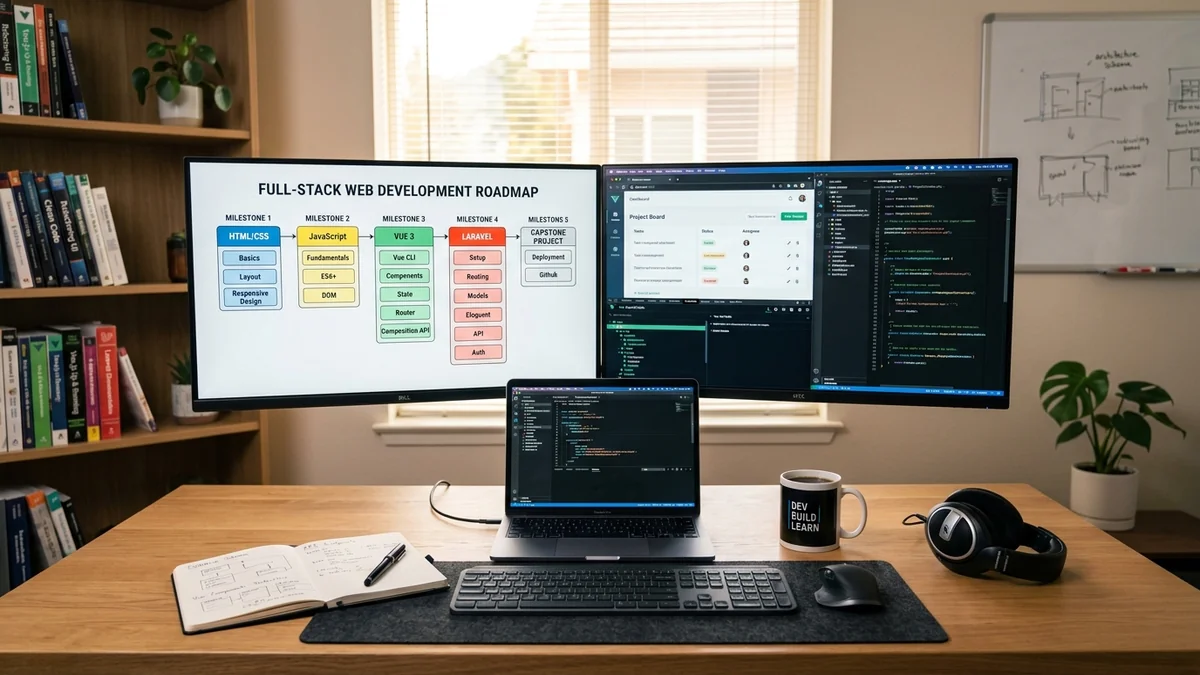
Web Development Curriculum: Full
Master full-stack web development. Comprehensive curriculum covering HTML/CSS/Tailwind, ES6+ JavaScript, Vue 3 & Vite, Laravel APIs, and CI/CD deployment.