
Ghostty Terminal Customization
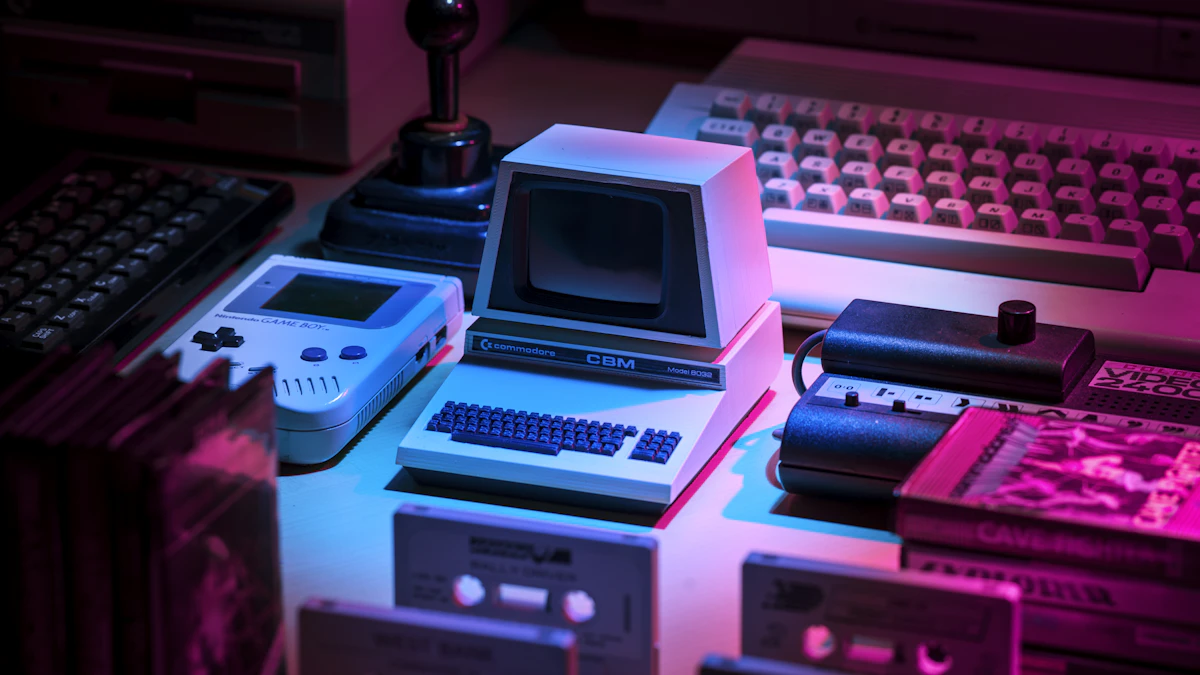
Ghostty has quickly become the preferred terminal emulator for power users due to its native GPU acceleration and rich typography rendering. Implementing Ghostty Terminal Customization uses built-in theme previews (ghostty +list-themes), configures ~/.config/ghostty/config, supports automatic light/dark system switching, and applies top themes like Catppuccin Mocha, Monokai Pro, and Ayu.
Table of Contents
- The Rise of GPU-Accelerated Terminal Emulators
- 4 Core Pillars of Ghostty Terminal Customization
- Visualizing the Ghostty Config & Theme Engine
- 14 Curated Ghostty Themes (Dark & Light)
- Frequently Asked Questions
- Conclusion & Next Steps
- Sources & Image Attributions
The Rise of GPU-Accelerated Terminal Emulators
Created by Mitchell Hashimoto, Ghostty delivers blazing performance by offloading terminal text rendering directly to your GPU. Beyond raw rendering speed and native OS integration, Ghostty provides an exceptional built-in theming engine with hundreds of pre-installed color schemes.
Mastering Ghostty Terminal Customization allows developers to craft an aesthetically pleasing, high-contrast command-line environment that reduces eye fatigue during extended coding sessions.
Pairing custom Ghostty styling with shell enhancements from Terminal Productivity Configuration and visual Git tools from Terminal Git UI Tooling creates a premier terminal experience.
4 Core Pillars of Ghostty Terminal Customization
Customizing Ghostty centers around four essential capabilities:
1. Interactive Theme Previews
Running ghostty +list-themes in the terminal provides an interactive visual browser with live search (/) to test themes before editing configurations.
2. Declarative Text-Based Configuration
Setting themes in ~/.config/ghostty/config using clean key-value syntax (theme = "Catppuccin Mocha").
3. Dynamic Light/Dark Mode Switching
Configuring automatic color adaptation based on OS system appearance (theme = dark:ayu,light:ayu_light).
4. Custom & External Theme Loading
Placing standalone .ghostty theme files into ~/.config/ghostty/themes/ for full community color scheme support.

Visualizing the Ghostty Config & Theme Engine
How Ghostty renders theme configurations:
flowchart TD
    A["Ghostty Terminal Launch"] --> B["Read ~/.config/ghostty/config"]
    B --> C{"Is System Theme Dynamic?"}
    C -->|Yes| D["Detect OS Appearance (Light vs Dark)"]
    C -->|No| E["Load Fixed Theme (e.g. Catppuccin Mocha)"]
    D -->|Dark Mode| F["Apply 'dark:catppuccin-mocha'"]
    D -->|Light Mode| G["Apply 'light:catppuccin-latte'"]
    F --> H["GPU-Accelerated 120 FPS Terminal Render"]
G --> HPress / when running ghostty +list-themes to filter theme names. You can quickly search for popular palettes like "nord", "monokai", or "dracula" without scrolling through hundreds of entries.
14 Curated Ghostty Themes (Dark & Light)
🌑 Top Dark Themes
- Catppuccin Mocha (
theme = catppuccin-mocha): Soothing pastel palette with deep slate background. - Monokai Pro (
theme = "Monokai Pro"): High-contrast, iconic developer aesthetic. - ayu (
theme = ayu): Minimalist dark background with warm accent tones. - GitHub Dark Default (
theme = GitHub-Dark-Default): Matches GitHub's native IDE color scheme. - Nordfox (
theme = nordfox): Cool arctic blue tones designed for focus. - Synthwave (
theme = synthwave): Vibrant neon colors for creative coding. - Desert (
theme = Desert): Warm, earthy dark background with gentle contrast. - Adwaita Dark (
theme = "Adwaita Dark"): Cohesive match for Linux GNOME environments.
☀️ Top Light Themes
- Catppuccin Latte (
theme = catppuccin-latte): Clean, accessible light variant. - Ayu Light (
theme = ayu_light): Soft, daytime-friendly color scheme. - Primary (
theme = primary): High-clarity, distraction-free reading theme. - One Half Light (
theme = OneHalfLight): Balanced, low-strain light palette. - Tinacious Design Light (
theme = "Tinacious Design (Light)"): Creative light theme with crisp blue accents. - Apple Classic (
theme = "Apple Classic"): Retro Macintosh terminal aesthetic.
Frequently Asked Questions
Where is the Ghostty configuration file located?
On macOS and Linux, the config file is located at ~/.config/ghostty/config. On Windows, it is stored in %APPDATA%\ghostty\config.
How do I configure custom fonts in Ghostty?
Add font-family = "JetBrains Mono" and font-size = 14 to your ~/.config/ghostty/config file.
Does Ghostty support mouse selection and window splits?
Yes. Ghostty natively supports terminal window splitting (Super + D), tab management, and smooth mouse scrolling.
Conclusion & Next Steps
Tailoring your Ghostty Terminal Customization creates a fast, visually refined development workspace that makes daily command-line tasks enjoyable.
At Masri Systems, we architect high-performance digital platforms, developer workflow systems, and scalable software applications. Explore our specialized Software Development and Website Architecture services to build scalable digital systems for modern enterprises.
Sources & Image Attributions
- Header Image: Developer working on code review by Caspar Camille Rubin on Unsplash
- Body Image: Developer working at desk by Domenico Loia on Unsplash
Follow Masri Systems on Google
Add us as a preferred source in Google Search.
Related Articles & Guides
AI Agent Workflow Automation: Curated 123-Tool Stack
Curated directory of 123 open-source AI agent frameworks, MCP servers, and developer tools for production AI agent workflow automation and autonomous systems.
Free Developer Certifications: 5 High-Impact Courses & Badges
5 verifiable free developer certifications and coding courses from Postman, Google Cloud, DeepLearning.AI, and freeCodeCamp to elevate your engineering resume.
Geschäftsprozesse automatisieren: 17 Scheduled Tasks der Agentur
Wie Masri Systems 17 autonome Agenten-Jobs, Sidecars und Cron-Tasks einsetzt, um Geschäftsprozesse im Entwickler-Alltag wartungsfrei zu automatisieren.
Command Center: Autonome KI Agenten Geschäftsprozesse KMU steuern
Autonome KI Agenten Geschäftsprozesse KMU: Steuern Sie Gemini, Codex und Claude parallel in einem sicheren VILT Stack Command Center mit OS-Locking.

Sectors of Computer Science & Software Engineering
Explore the primary disciplines of computer science, tech career paths, software engineering specialization tracks, and modern developer tooling.

Portable AI Agent Skills: One Skill, Every Model
Stop rewriting the same AI agent workflow for Claude, Gemini, and Codex. Build portable skills once with AI Agent Workflow Automation and sync everywhere.

Openship: A Self-Hosted Deployment Platform With No CI/CD Pipeline
Openship is an Apache 2.0 self-hosted deployment platform that skips CI/CD YAML. What v0.6.7 does well, and why pre-1.0 status should shape your rollout.

Software Engineer Career Roadmap
Explore the complete software engineer career roadmap. Master junior to senior transitions, high-demand tech specializations, and modern AI development.